How to reconcile a GC's pay application against drone progress photos
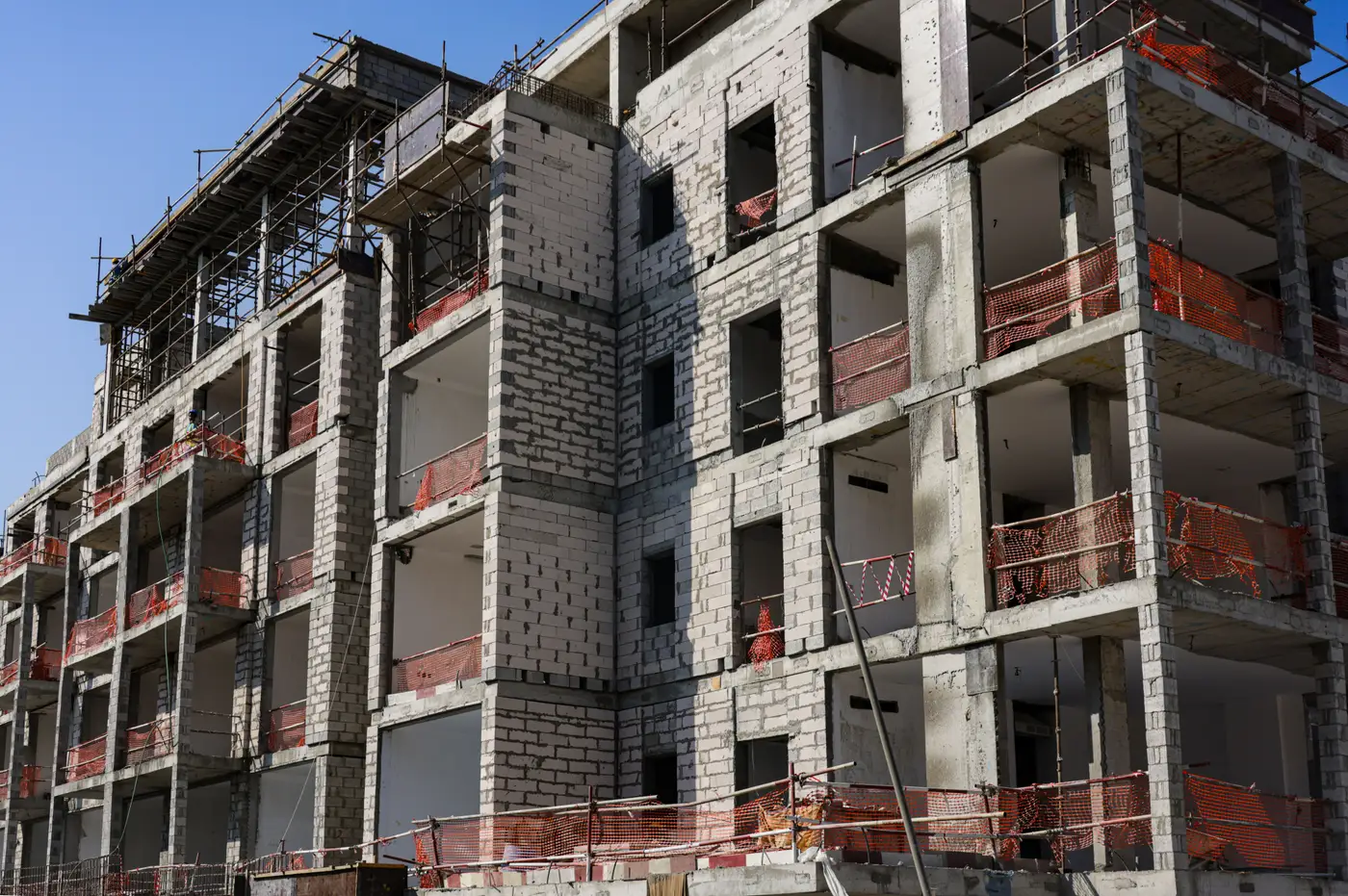
A pay application shows up with a schedule of values, a percentage next to each line item, and a request for cash. The GC's super has eyes on the site every day and knows what got poured, framed, or set this period. You don't have that, so the application is the only record you get unless you build a second one yourself. Reconciling it against drone photos is how most lenders and owner's reps build that second record without putting a person on site every week.
Here's the basic approach, in the order it actually gets done.
Match the photo date to the billing period
Anchor the comparison to the billing date itself. A GC billing through the 25th but reviewed on the 30th needs a flight from around the 25th, because an active job can pack nearly a week of work into that gap and throw the comparison off. If your capture cadence is weekly, you should almost always have one within a few days of any cutoff. If it's monthly, note the gap in your review notes so nobody downstream assumes the photo and the billing date are the same thing.
Walk the schedule of values line by line
Pull up the SOV and go down it line by line against the photo. For structural line items (foundations, structural steel, slab pours) you can usually confirm percent-complete just by looking: is the third floor deck poured or isn't it. For items that are harder to see from the air (MEP rough-in, interior finishes, below-grade utilities), the photo won't confirm much, and that's fine. This step catches the line items where the claimed percentage and the visible progress don't match, and flags those for a site visit or a direct question to the super.
A few mismatches worth flagging on sight:
- A line item billed at 60% with no visible work matching that volume since last period's photo
- Site work claimed as substantially complete while laydown, equipment, or fencing in the photo suggest otherwise
- A trade sequence that's out of order against the schedule, like finishes billed before rough-in looks done
Compare week over week, not just this period against the SOV
A single photo tells you what's built. A photo set against last week's and the week before tells you the pace. If a GC bills a jump from 40% to 65% on a line item in one period, the photo history should show a matching jump in visible work across the weeks leading up to it. A flat site for three weeks followed by a steep claim right before the draw is the pattern worth flagging. A claim that outruns the visible pace of work is the single most useful thing a weekly cadence catches that a monthly one usually misses.
Document what you found
Keep the reconciliation simple: photo date, SOV line item, claimed percentage, observed status, and a flag if they don't line up. That's the backup that goes next to the draw request when it's time to approve, hold, or ask for a revised application. Most of the time it confirms the billing is reasonable, and that confirmation is worth having on file too, especially on a project with multiple draws left and a lender who will ask for the trail at closeout.
Where the manual version breaks down
This works fine on a job with a handful of line items and a short schedule. It gets slower fast on a multi-building project with dozens of SOV lines, a 60-page schedule, and six months of weekly flights to cross-reference. At that point most reviewers are either skipping the week-over-week step or spending hours on a reconciliation that should take twenty minutes. Construction Progress is built for exactly that gap: a weekly drone capture measured against your schedule and delivered as a progress map you can set beside the draw request, so the comparison is already done instead of assembled by hand every billing cycle.
If your next draw is due and you want the photo backup lined up before you sign it, that's the problem this is built to solve.